A clear home view
Start a download and see the current field task at a glance.
Replace disconnected collection workflows with an Android app that downloads data from any DLMS meter and makes it available to the utility dashboard as soon as it syncs.
Utility dashboard
Today's collection
248
Downloads
18
Pending
06
Exceptions
Download complete
A guided, mobile-first collection workflow with clear completion status at every meter.
A central view of collection activity, pending work, and exceptions—without waiting for physical handover.
More control over field progress and faster access to the data needed by downstream teams.
The app in your team’s hands
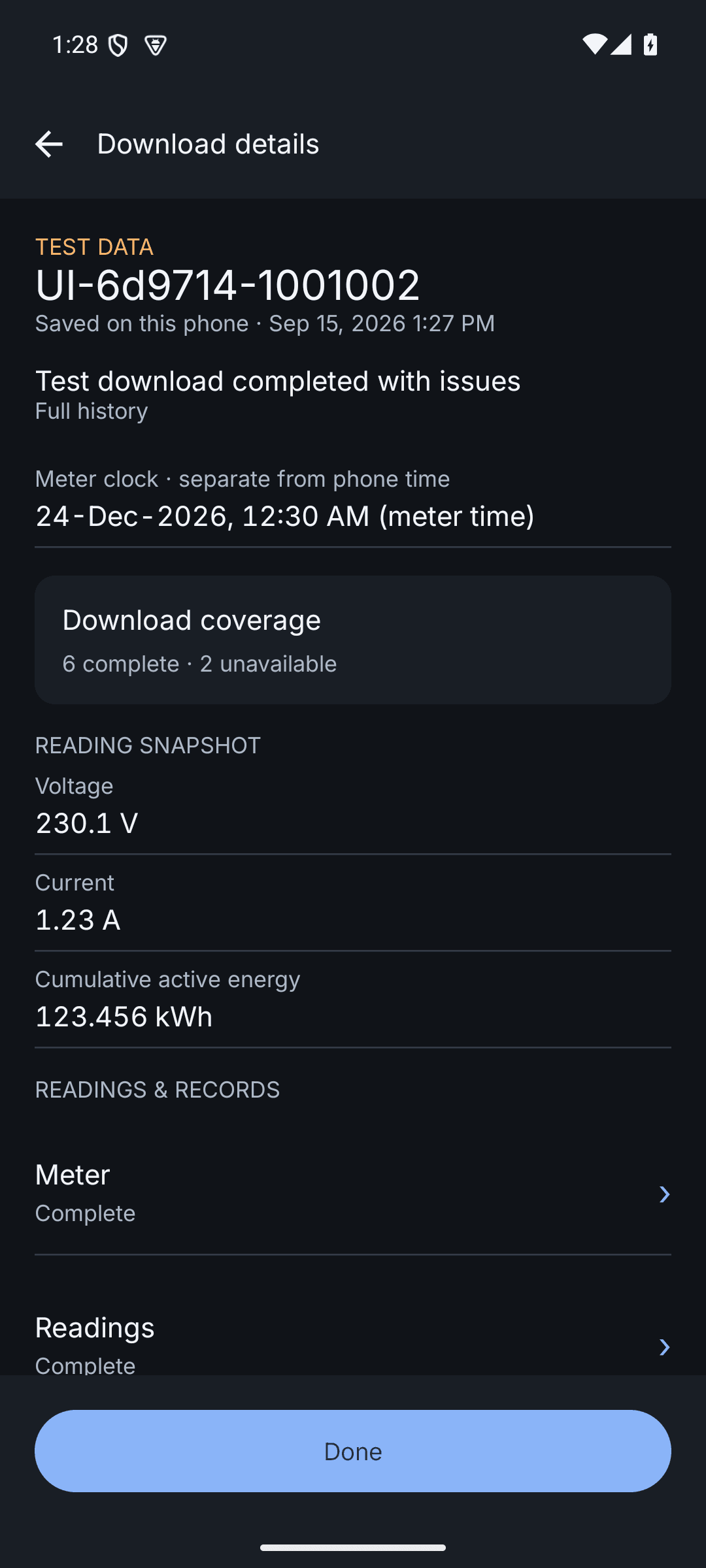
From the first connection through reviewing saved data, the field workflow stays on the phone.
Start a download and see the current field task at a glance.
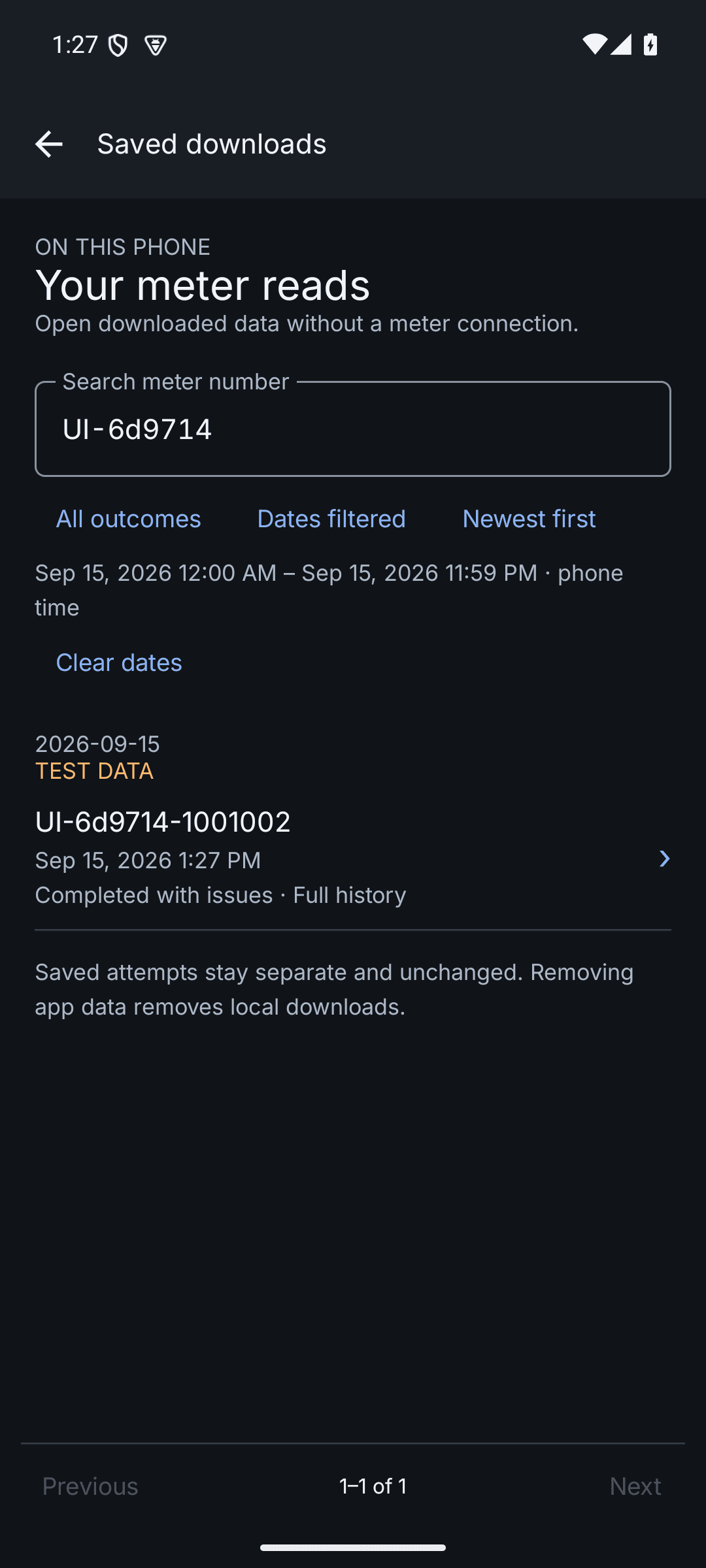
Find previous meter records directly on the phone.
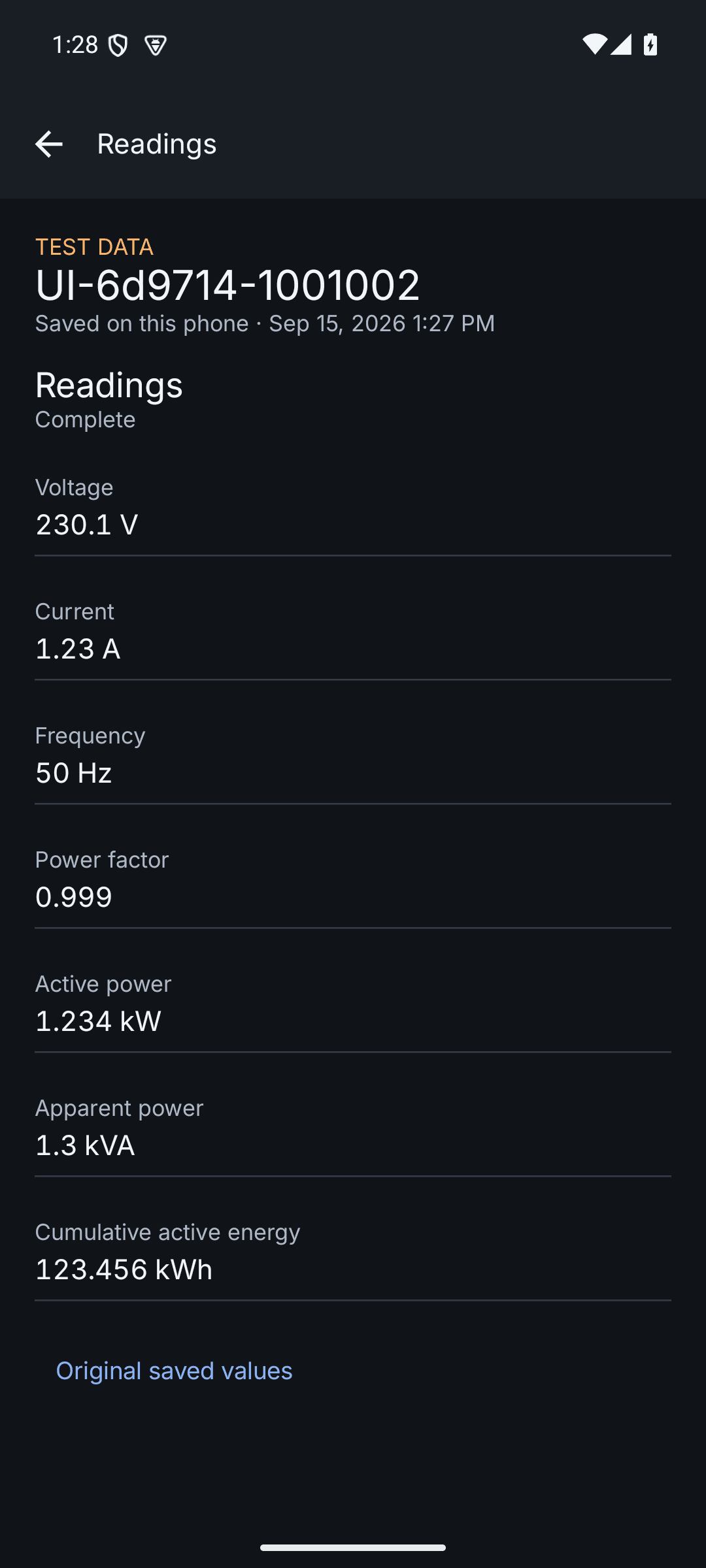
Review downloaded meter information without returning to a computer.
Screens shown use synthetic test data and illustrate the Android browsing experience.
A better collection experience
The difference is not only the device in a technician's hand. It's the time between a meter visit and useful, visible data.
The traditional CMRI flow
A separate CMRI device has to be carried and managed in the field.
A dated workflow makes each collection task feel slower and more complicated.
Incomplete or unreliable downloads can require a return visit or manual follow-up.
The technician must return to a computer before the collected file can be transferred.
Operations teams wait for data to reach the system before they can act on it.
The Indotech mobile flow
Field teams use the phone they already know—not a separate, bulky collection device.
Download meter data directly at the point of service.
Technicians can see the downloaded result on the phone before leaving the site.
Once the data is downloaded and synced, it is available in the cloud dashboard.
Field teams and utility operations can view the same collection status without waiting for a computer handover.
One connected workflow
The workflow is designed around what happens in the field—and what the utility team needs to see after the visit.
Technicians use the Android app to collect data from any DLMS meter at the point of service.
The app confirms the collection and syncs the completed record to your utility workspace.
Operations teams can follow collection progress, investigate exceptions, and access the downloaded data centrally.
Built for utility operations
Move beyond field collection that only becomes visible after a device or file is handed over. Your web dashboard gives the right teams a common operating view.
Collection control
06
Exceptions to review
248
Downloads received
See how mobile meter collection and a central utility dashboard can work together for your field operations.
Talk to our teamAsk about your field connectivity and meter workflow.