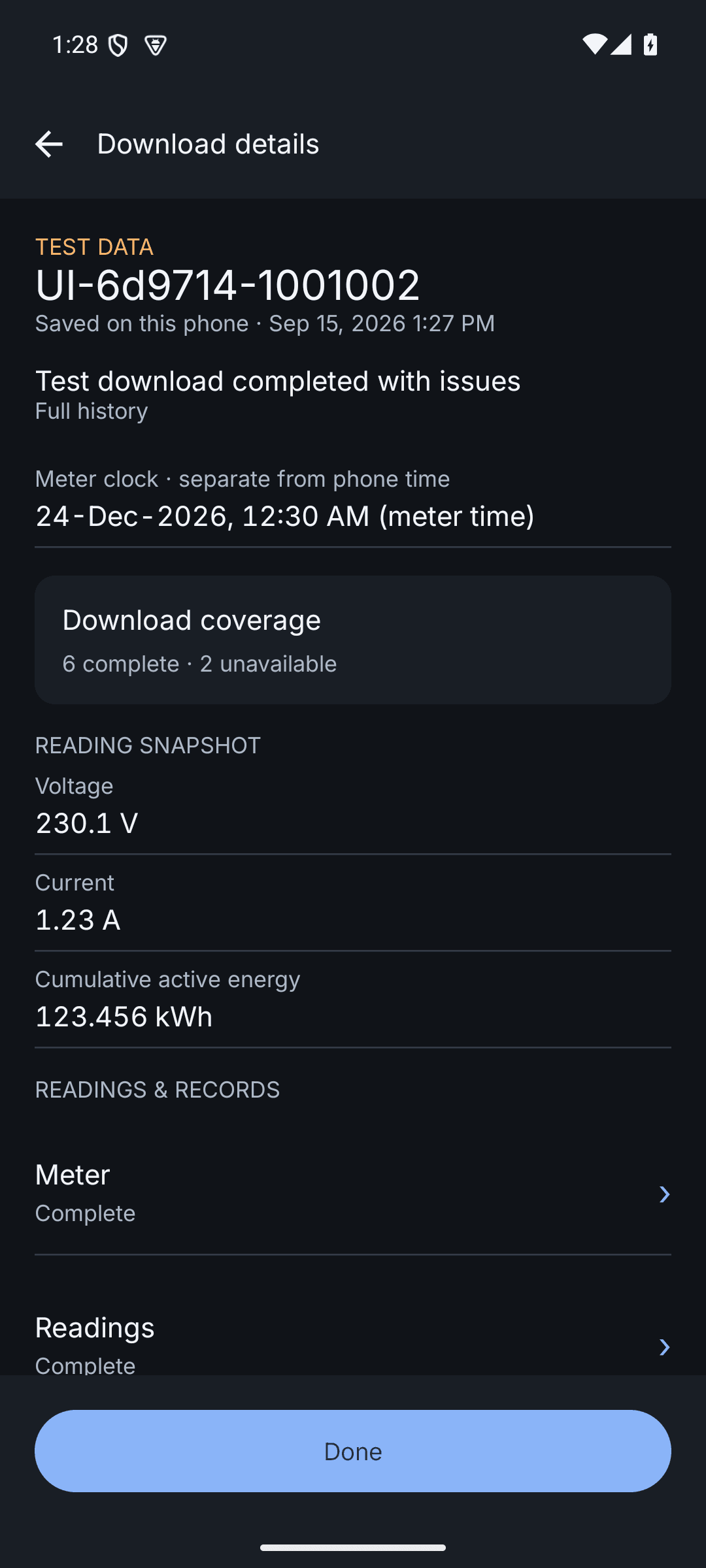
A clear home view
Start a download and see the current field task at a glance.
Replace disconnected collection workflows with an Android app that downloads data from compatible DLMS meters and makes it available to the utility dashboard as soon as it syncs.
Already have a meter estate? Ask our engineering team for a DLMS compatibility check before rollout.
Sample utility dashboard
Today's collection
248
Downloads
18
Pending
06
Exceptions
Download complete
The difference in one glance
Traditional CMRI
Dedicated collection device → file transfer to a computer → central review
Indotech mobile workflow
Android phone → guided DLMS download → view on phone → sync → utility dashboard
Rollout readiness
Share the meter make, model, communication method, and utility workflow. We will help define the right field and dashboard rollout.
A guided, mobile-first collection workflow with clear completion status at every meter.
A central view of collection activity, pending work, and exceptions—without waiting for physical handover.
More control over field progress and faster access to the data needed by downstream teams.
The app in your team’s hands
From the first connection through reviewing saved data, the field workflow stays on the phone.
Start a download and see the current field task at a glance.
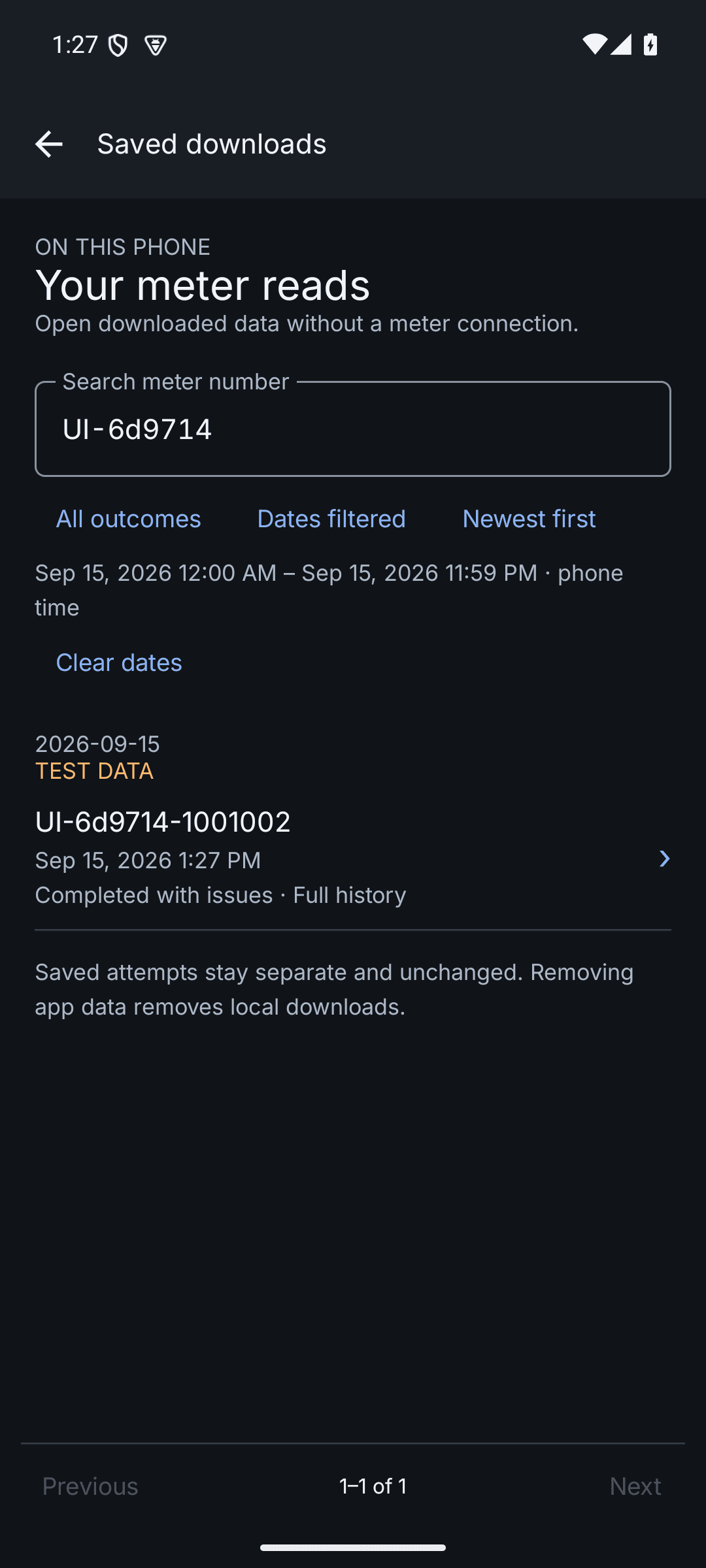
Find previous meter records directly on the phone.
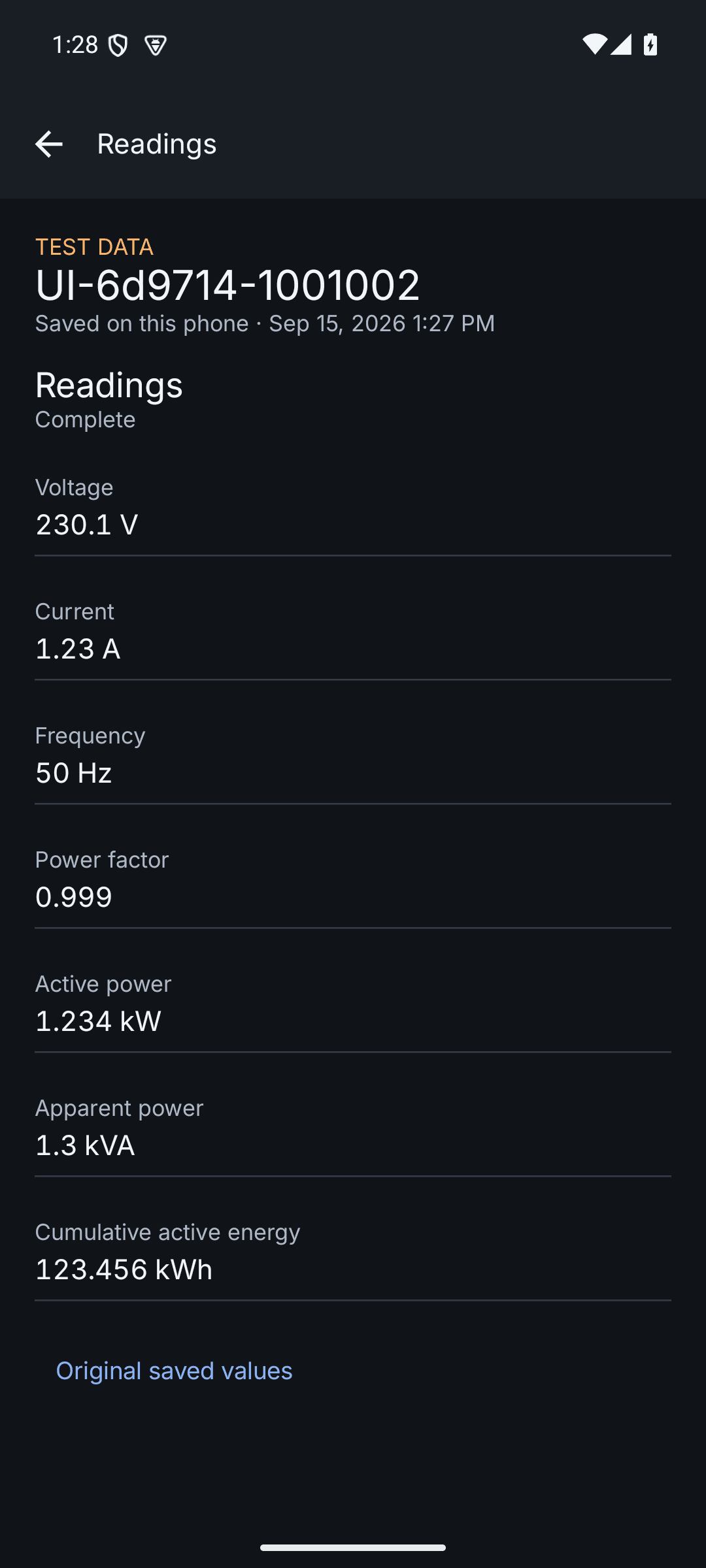
Review downloaded meter information without returning to a computer.
Screens shown use synthetic test data and illustrate the Android browsing experience.
One connected workflow
The workflow is designed around what happens in the field—and what the utility team needs to see after the visit.
Technicians use the Android app to collect data from compatible DLMS meters at the point of service.
The app confirms the collection and syncs the completed record to your utility workspace.
Operations teams can follow collection progress, investigate exceptions, and access the downloaded data centrally.
Built for utility operations
After sync, the web dashboard gives utility teams a shared view of field collection—without a physical device or file handover.
Illustrative dashboard
06
Exceptions to review
248
Downloads received
Utility rollout review
A first discussion can cover your meter estate, field process, connectivity, dashboard users, and a practical rollout approach.
Share a few details and the Indotech team can prepare the right discussion.
See how mobile meter collection and a central utility dashboard can work together for your field operations.
Talk to our teamAsk about your field connectivity and meter workflow.